
Company values
Karma bot provides you with actionable HR insights. Every karma request description (reason) is analyzed. It automatically falls under a certain category. Karma bot comes with 5 preset categories: Teamwork, Above & Beyond, Goals, Reliability and Communications. However, you can customize categories tailored to your team values.
NOTE: This action is irreversible and can't be undone!We understand, people and teams are different and you may want to fine-tune Karma bot taxonomy. Please note:
- Auto-categorisation mechanism will be turned off.
- Karma bot needs time to collect enough data and do the machine learning magic for you.
- All existing karma requests will be marked as non-categorised.
Follow these steps to enable and set your own categories.
1. Go to Settings via Profile menu
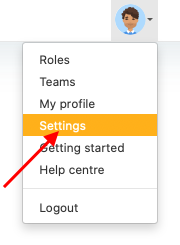
2. Go to Values section
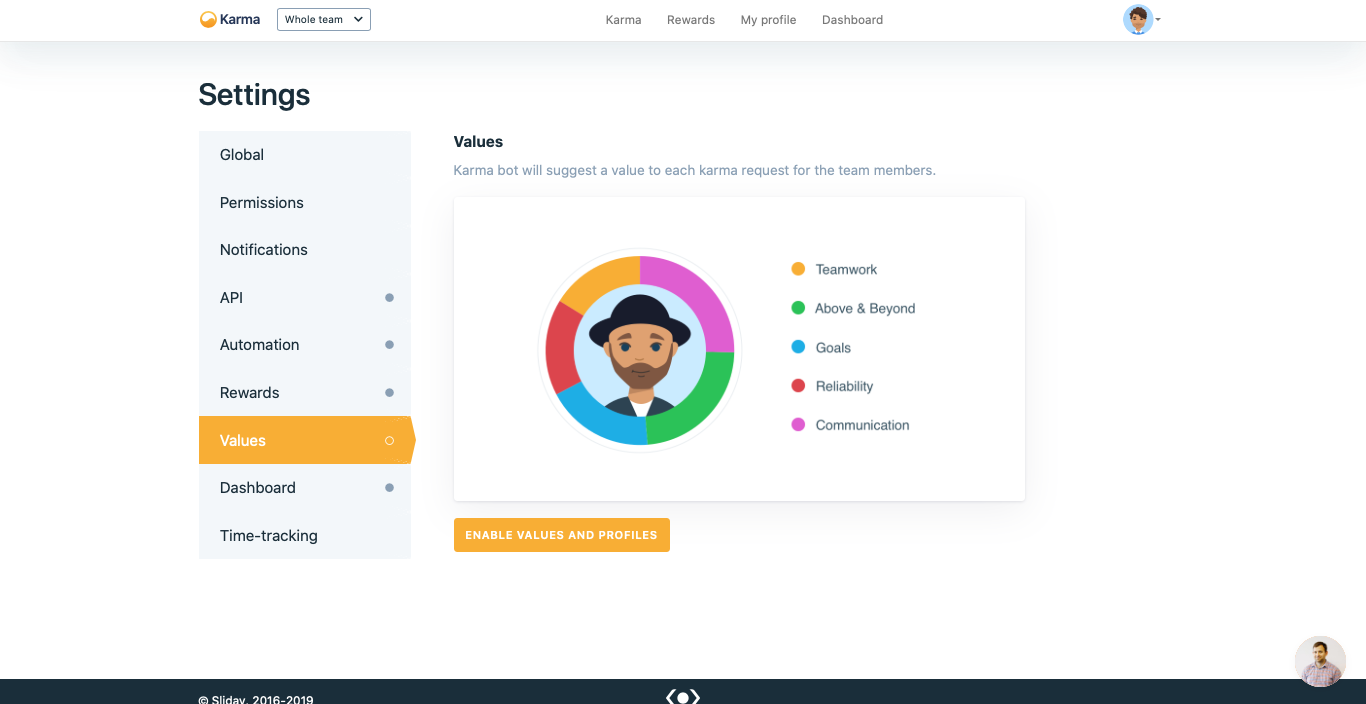
3. Press Enable values and profiles button
Enable values and profiles button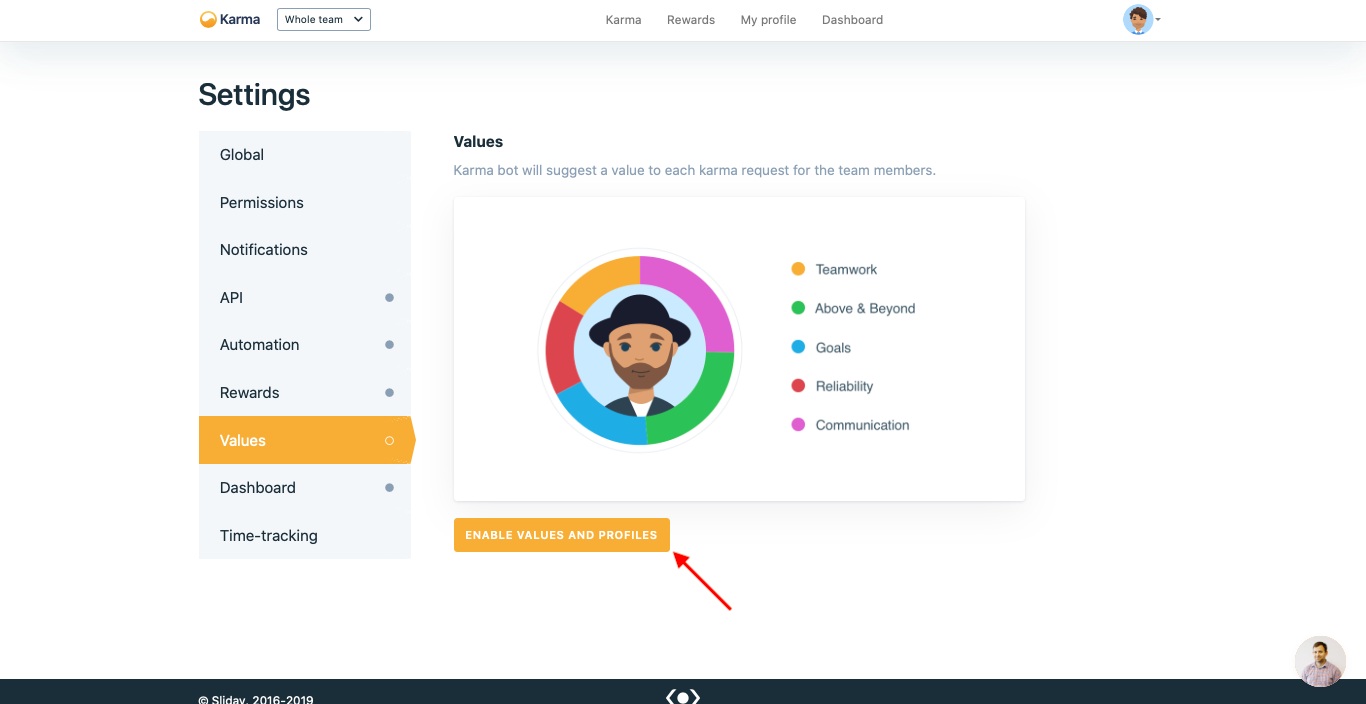
4. As a result, the default values will be displayed
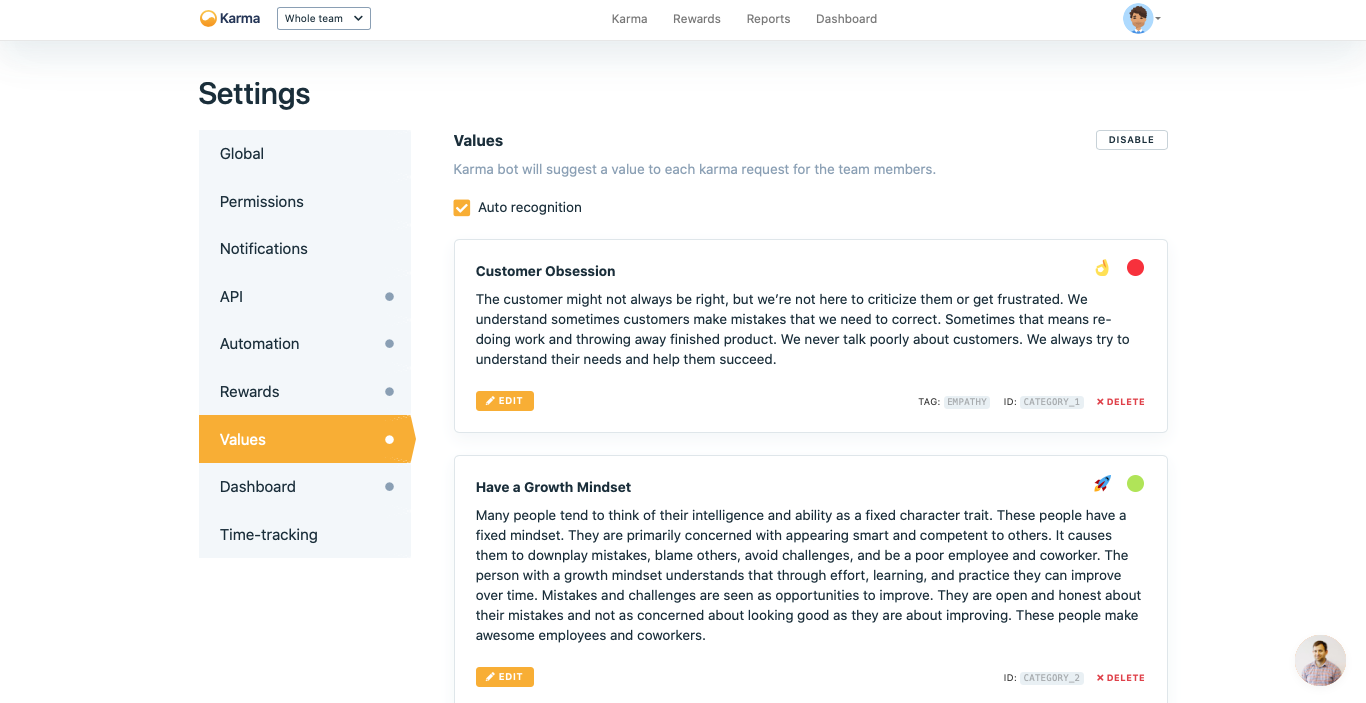
1. Add new value, description, emoji and color
If your team already has 10 value you do not find + Add new value button.
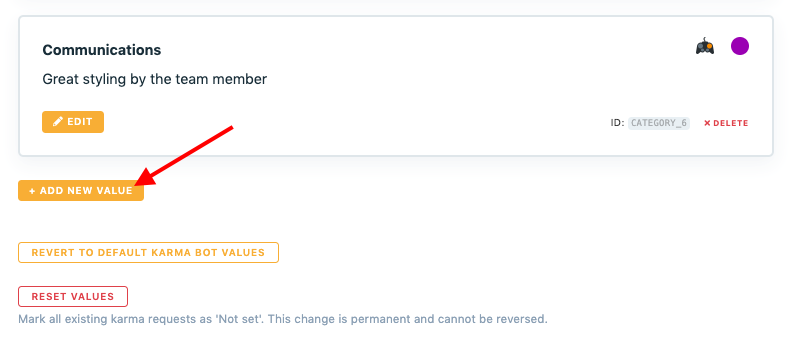
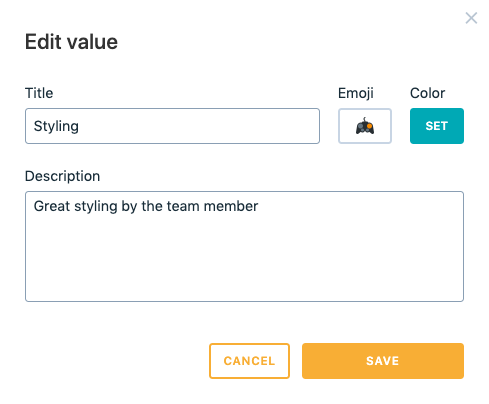
2. A pop-up with the new value will be displayed
It will appear at the end of the existing values' list where you can edit its title and description. The new value will have its id which can be used for Karma requests automation.
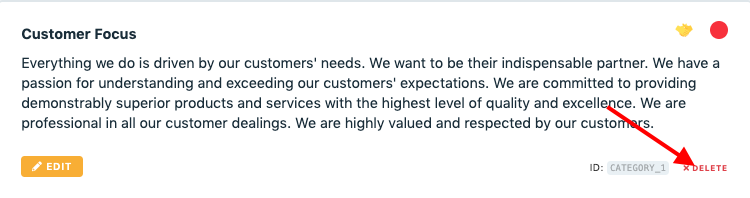
To delete custom value follow these steps.
1. Press Delete button
Delete buttonA value will disappear from the list.
2. Confirm the deletion in the pop-up by clicking on the Delete button
Delete button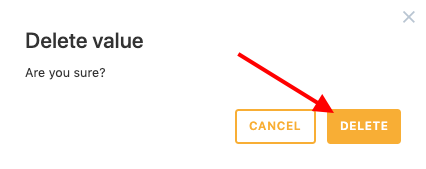
Machine learningKarma bot needs time to collect enough data and predict value automatically. Moderator has to set value for 30-50 karma requests for each custom value first.
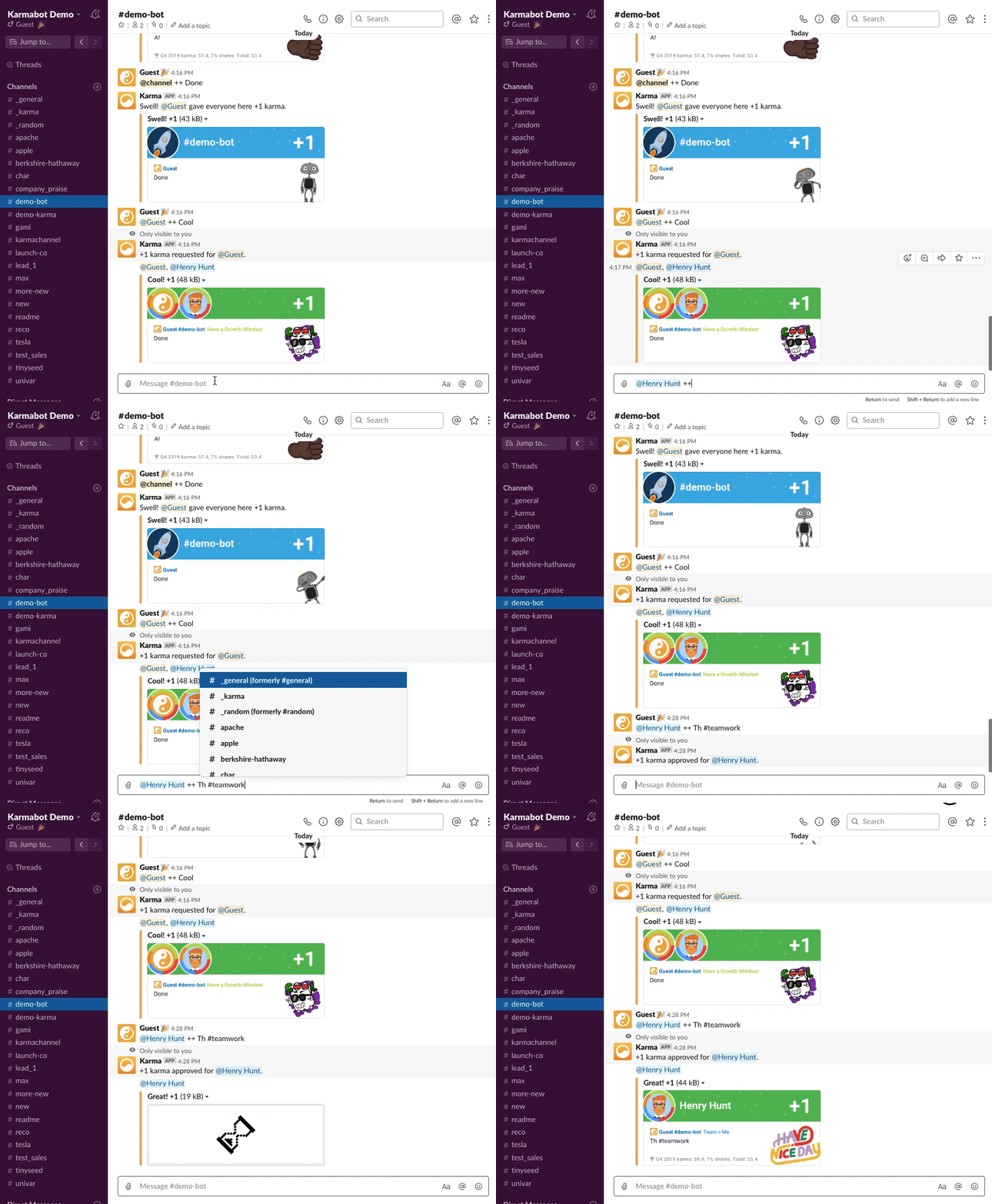
Karma bot can add values to karma requests manually through #tags in requests. For example, such a query will look like: @user ++ great job #teamwork
Updated over 1 year ago