
In-depth user profiles and categories
Karma bot automatically builds user profiles based on the reasons given in karma requests
Karma bot uses Natural Language Understanding (NLU) and Machine Learning technologies to read, recognize and predict the reasons provided with your karma requests to create a profile for each team member.
The metrics we recognize and utilize:
- Teamwork
- Above & Beyond
- Goals
- Reliability
- Communications
The metrics are available in Karma bot control panel to both moderators and regular users. However, the moderators can get a more detailed view.
1. Go to Karma tab
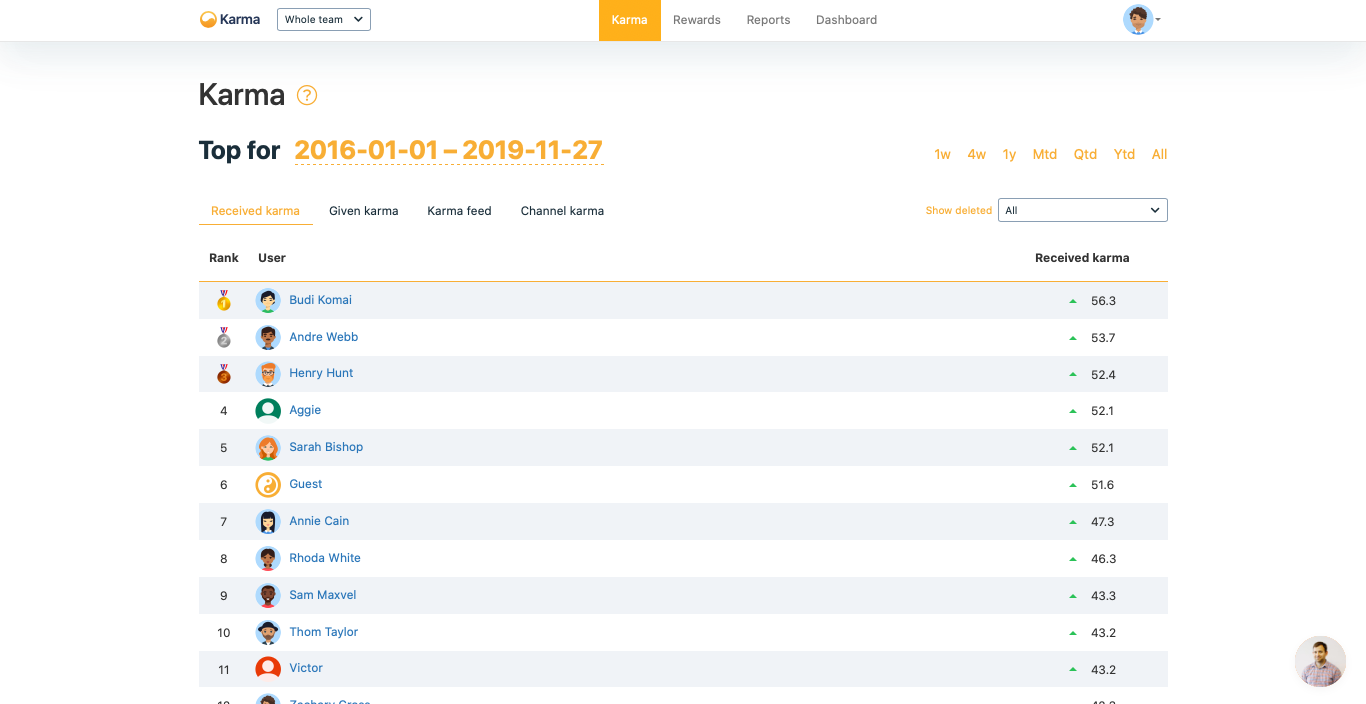
2. Scroll down to find metrics in Values column
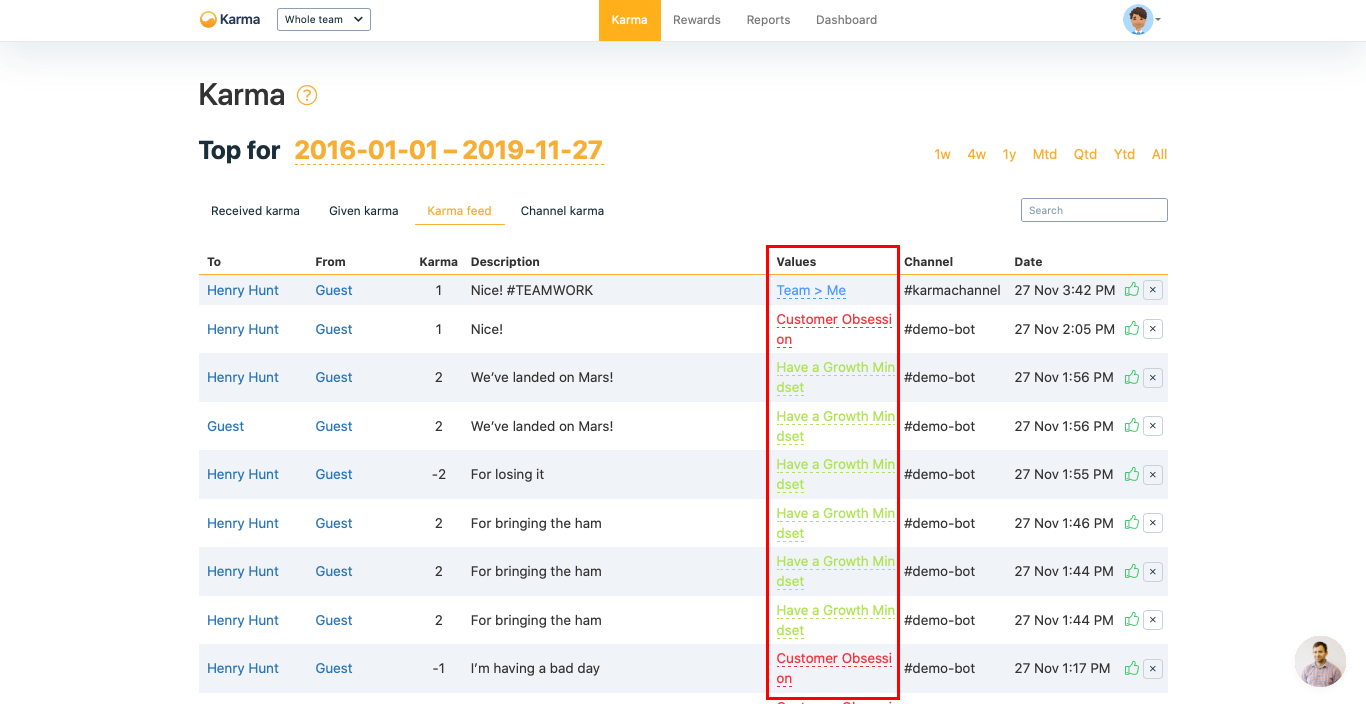
Wrong category? Wrong reason?Both, categories and reasons, are editable from this table.
Karma profile
Karma bot visualizes the categories as karma profiles chart.
1. Go to My Profile via Profile menu
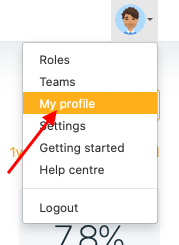
2. See Karma profile before all your karma requests
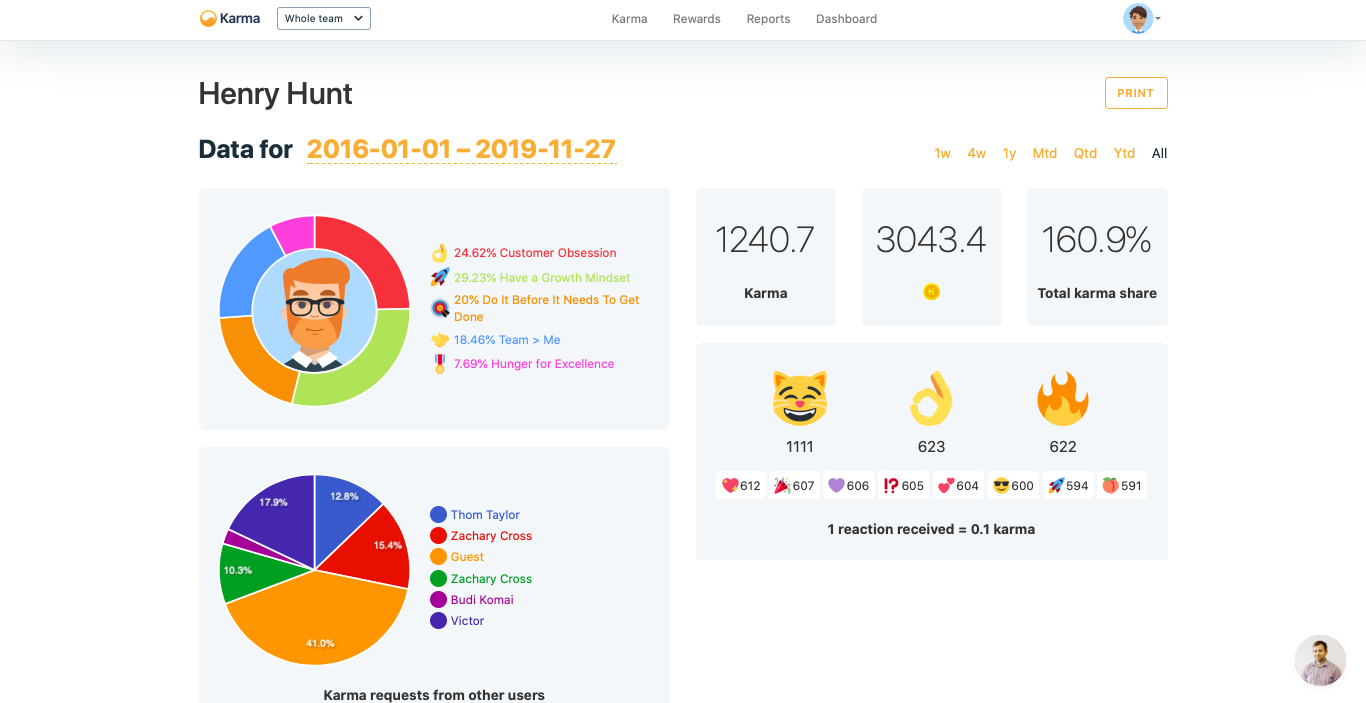
Please find the metrics explained below.
See details on the metrics Karma bot user profile metrics.
Other users profiles
Owners and moderators can see other user's profiles at the Reports page.
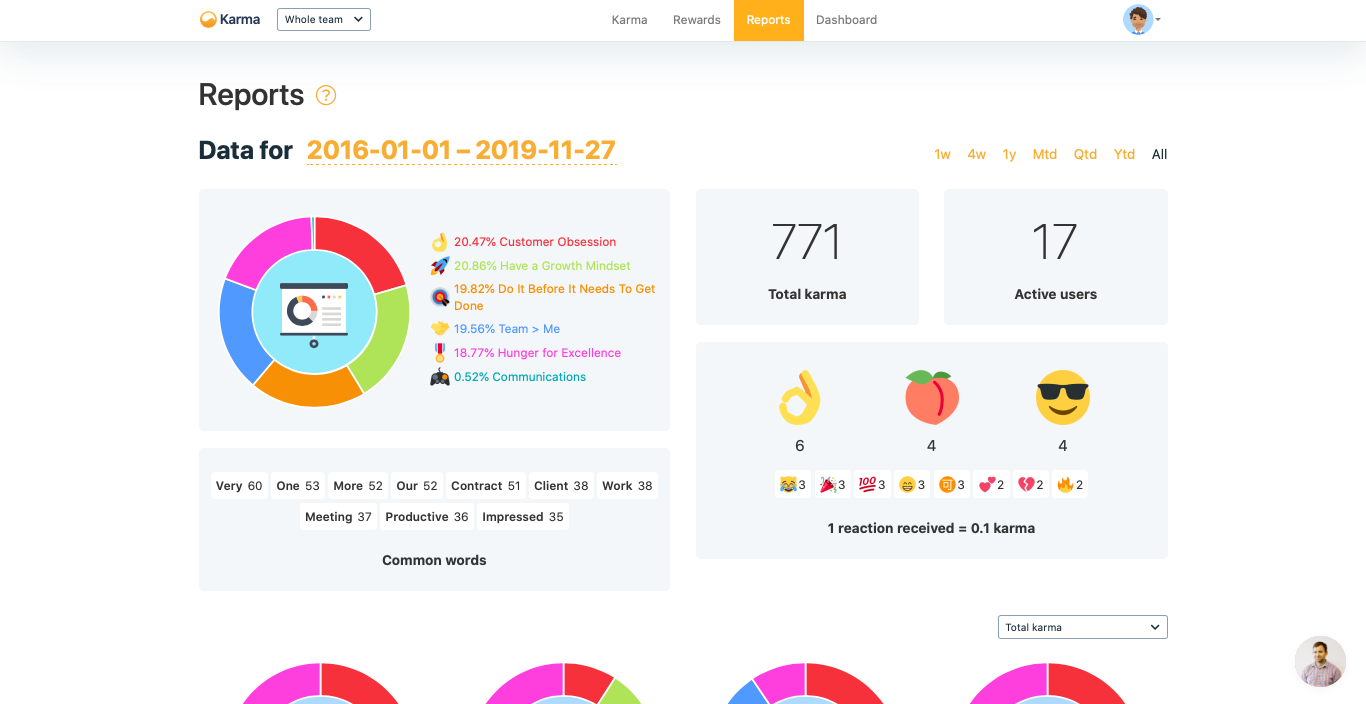
See details on the metrics Karma bot user profile metrics.
Updated over 1 year ago