
How to delete an account
This article will help you if you suddenly decided not to believe in karma :-(
For such cases, Karma bot has a special zone in the Billing section: Danger Zone.
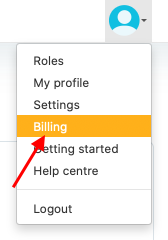
1. Go to Billing via Profile menu
2. Expand the Danger Zone and click on the Delete button
Delete button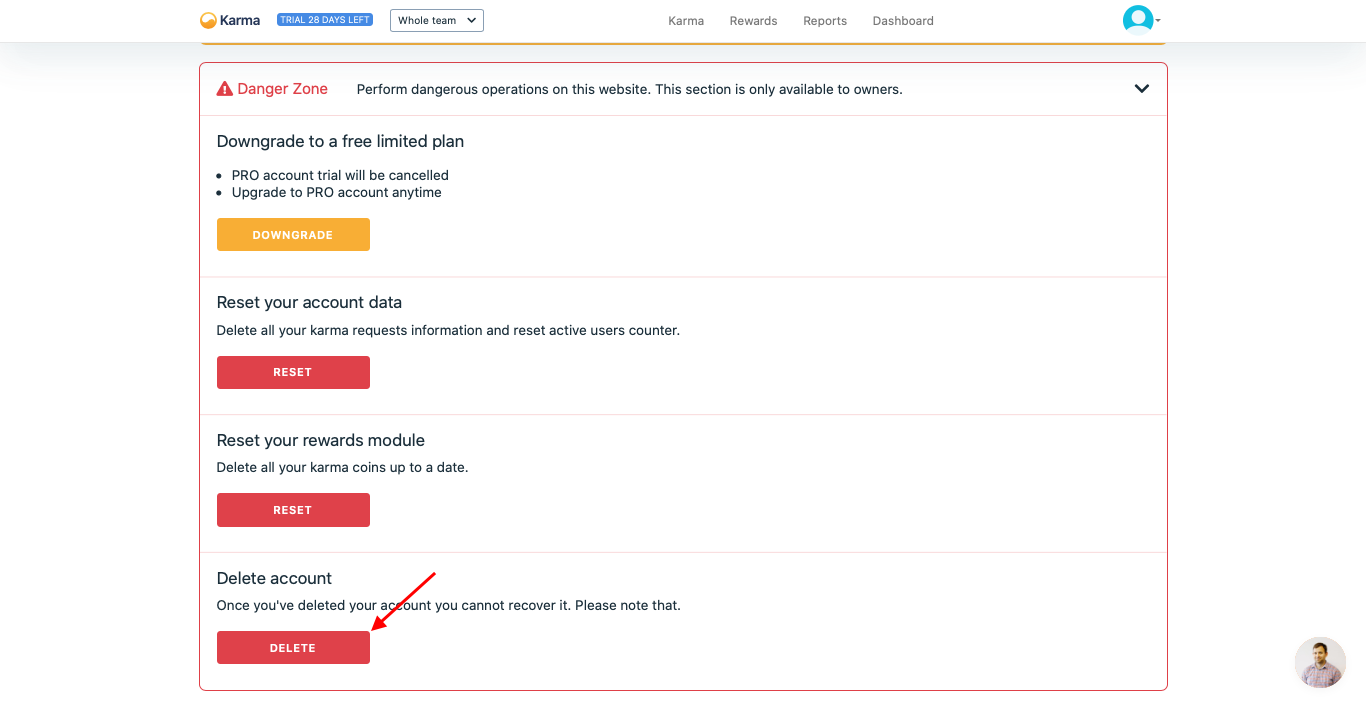
3. If you decided not to us Karma bot and want to delete your account press Delete button
Delete button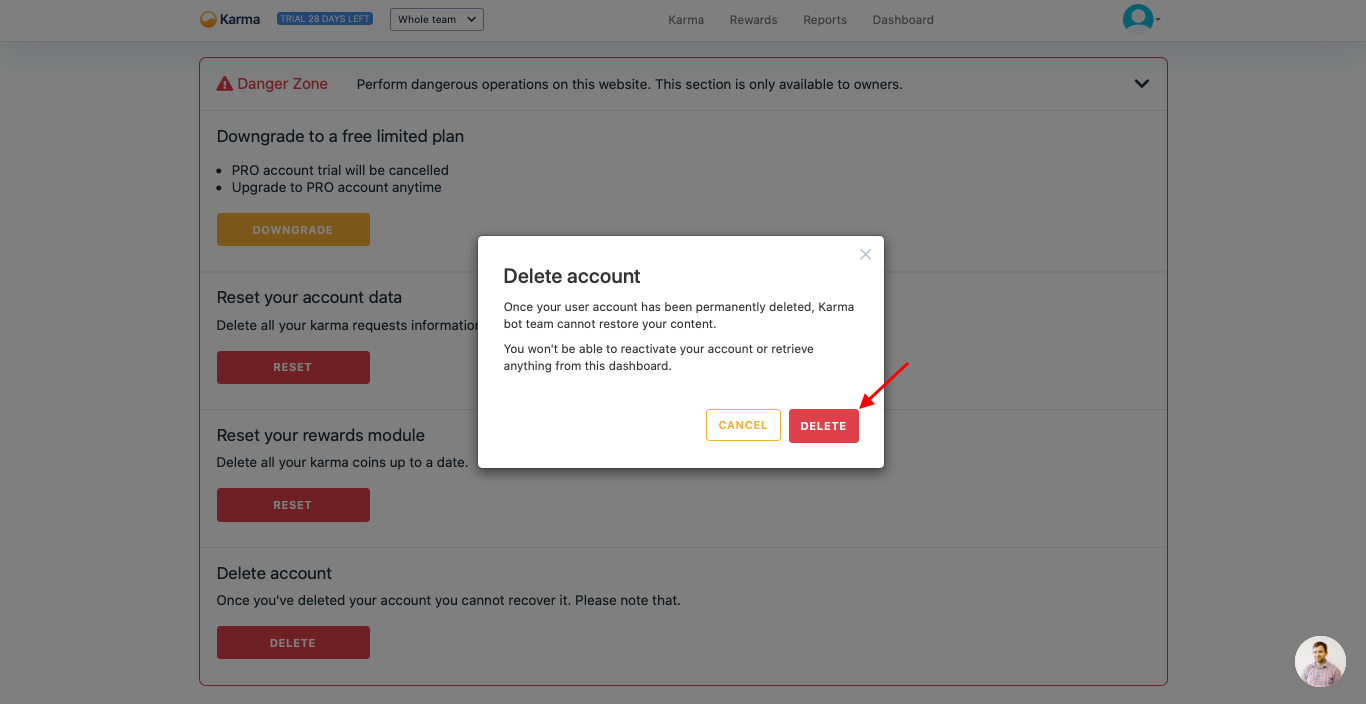
Delete dialog
Karma bot in Slack after deleting.Unfortunately, Slack API does not have methods to delete Karma bot app from your team by itself. Although Karma bot does not interact with your team after the deletion, you can remove it from your Slack account manually.
Updated over 1 year ago