
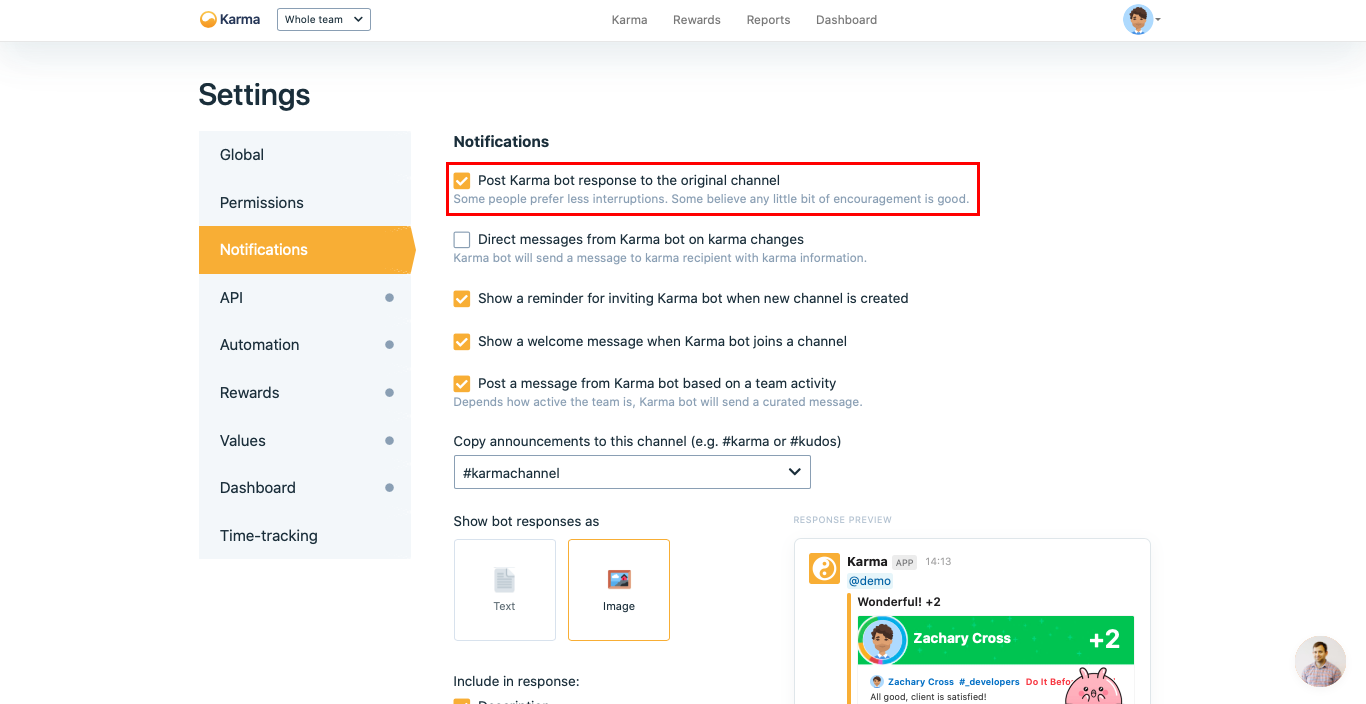
Post @karma response to the original channel
In Sliday we believe that it is important to encourage teammates differently. Thus it is the main goal of this option. It will force Karma bot to print his response karma approval for a team member.
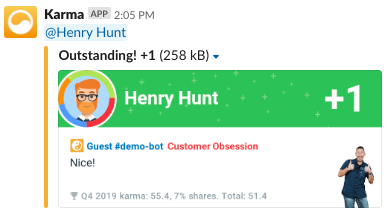
Karma bot response
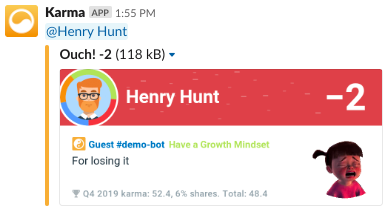
Karma bot response
To turn this feature you should follow 3 steps.
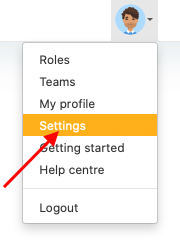
1. Go to Settings via Profile menu
2. Go to Notifications section
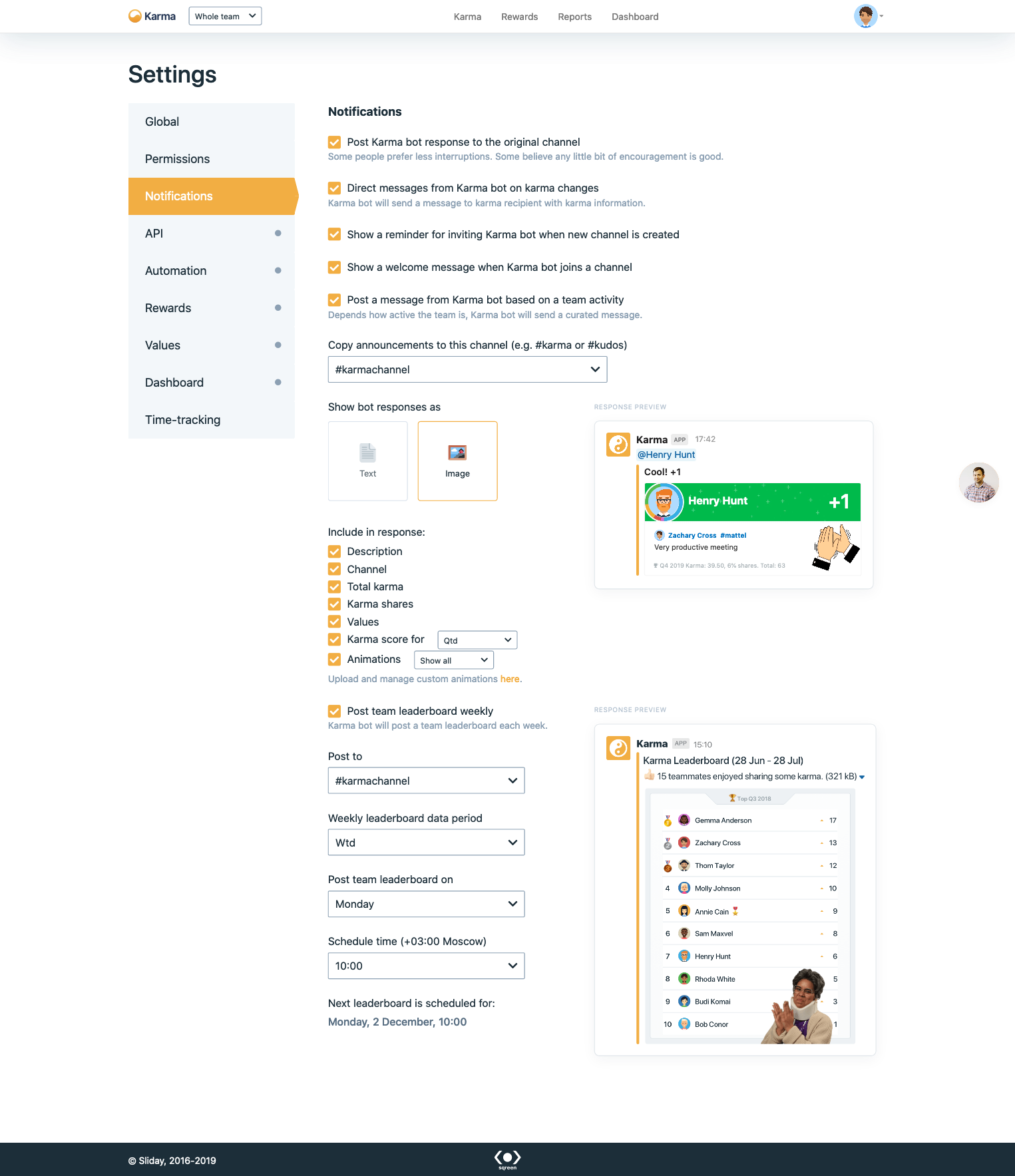
3. Select Post Karma bot response to the original channel checkbox
Look for it at Notifications center.
Updated over 1 year ago